













RockySpin App 2026 Keeps the Full Casino Inside Your Mobile Browser
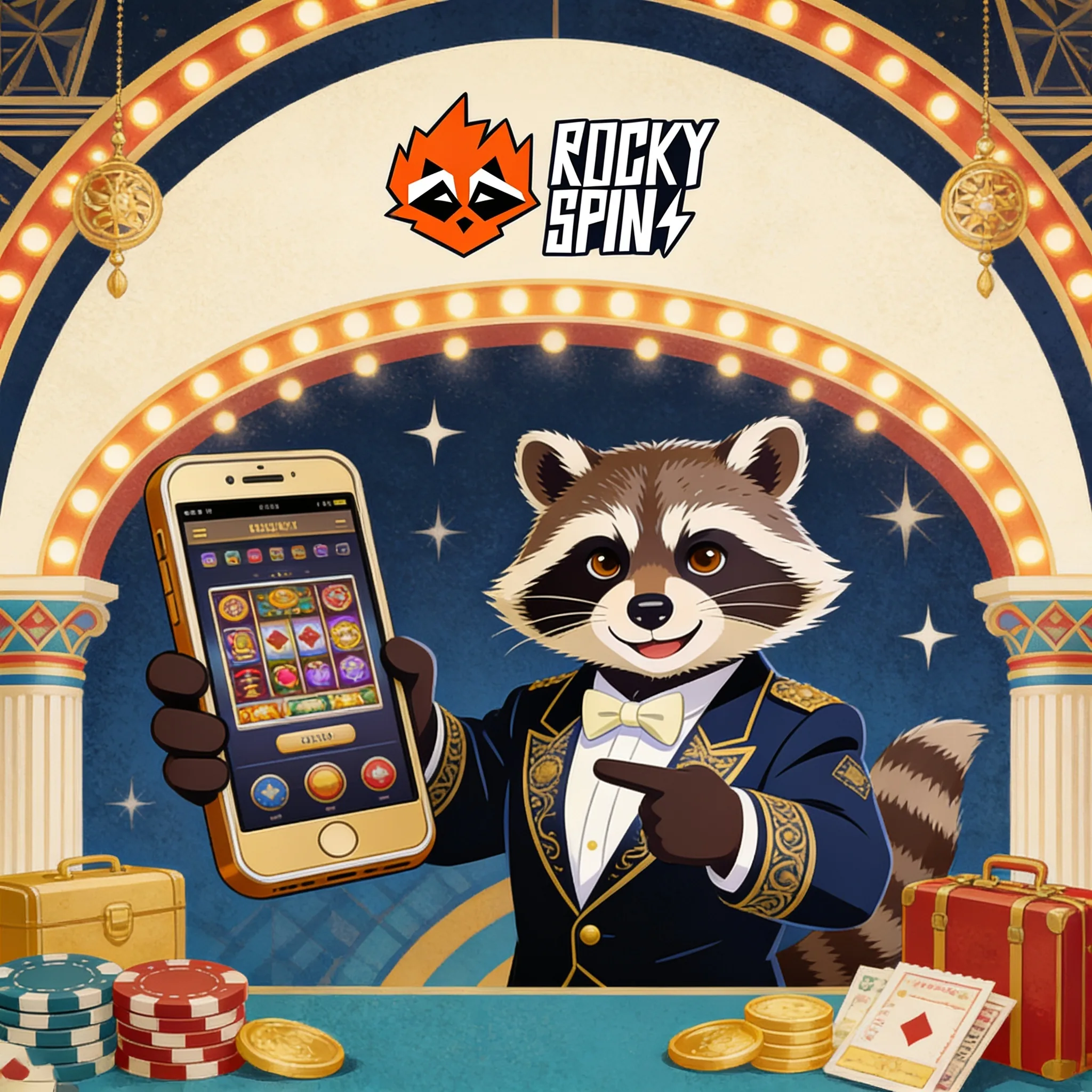
We deliver RockySpin mobile access through the browser, so you can sign in without creating a second account or moving funds between devices. Chrome on Android and Safari on iPhone support the full cashier, promotions area, KYC upload, game filters and account controls. More than 6,000 games sit behind the same login, including slots, live tables, crash titles and sports markets where available. Add a verified RockySpin page to your home screen and it behaves like an app while browser updates keep the interface current.
| RockySpin mobile passport | Mobile detail |
|---|---|
| Access format | Responsive browser and home-screen shortcut |
| Supported devices | Android phones, iPhone, iPad and Android tablets |
| Separate mobile account | Not required |
| Catalogue | 6,000+ games, subject to provider and account availability |
| Mobile payments | Cards, wallets, bank routes and crypto shown in the cashier |
| Account functions | Bonuses, KYC, limits, history, deposits and withdrawals |
| Installation source | Your verified RockySpin page, not an unknown APK portal |
| Support | Live chat inside the mobile account |
Install App-Style Access on Android
Open RockySpin in Chrome
Type the verified address directly or use your saved account link. Sign in before creating the shortcut so you can confirm the correct page.
Open the browser menu
Tap the three-dot menu and choose Add to Home screen or Install app, depending on the Chrome version.
Confirm the shortcut
Keep the RockySpin name and approve installation. The icon then opens the mobile site in its own window.
Enable only useful permissions
Allow notifications only if you want account or promotion alerts. RockySpin browser play does not need access to contacts, photographs or unrelated device data.
Add RockySpin to an iPhone Home Screen
Open RockySpin in Safari, tap Share, choose Add to Home Screen and confirm the name. iOS creates an icon linked to the mobile page. Use Safari for this process; another iPhone browser may not show the same installation control.
Games That Suit a Smaller Screen
The lobby includes portrait-friendly slots such as Gates of Olympus 1000, Big Bass Splash, Book of Dead and Sugar Rush 1000. Aviator, Plinko and Mines use short rounds and simple controls, while Crazy Time, Lightning Roulette, live blackjack and Monopoly Big Baller work best with a stable connection and landscape mode when the table feels cramped.
Provider filters cover Pragmatic Play, Evolution, BGaming, Nolimit City, Betsoft, Endorphina, Evoplay and Quickspin. Open the paytable before playing because RTP, volatility and feature rules belong to the individual title, not the device.
Deposit, Verify and Withdraw on Mobile
The cashier can show Visa, Mastercard, bank transfer, Revolut, Skrill, Neteller, Apple Pay, Binance Pay, Bitcoin, Ethereum, Litecoin and USDT. Most fiat deposits begin at €20; the general withdrawal threshold is €50 or its equivalent. You can photograph KYC documents with the phone, but the upload must remain sharp, uncropped and readable. Withdrawal review can take up to 72 hours before the payment provider completes delivery.

Fix Mobile Access Problems
If the icon opens a blank page, remove it, clear the browser cache and create a fresh shortcut from the verified address. When a game freezes, close other tabs, switch between Wi-Fi and mobile data, then reopen the title from game history. A payment window blocked by the browser usually needs pop-ups or cross-site redirects enabled for that session. Never install an APK received through chat, advertising pop-ups or file-sharing sites.
Responsible Mobile Play
Mobile access makes it easy to lose track of time. Set deposit and session limits before playing, turn on reality reminders and avoid gambling while commuting, working or drinking. Gambling involves financial risk and is not income. Use cooling-off or self-exclusion if play stops feeling controlled.
FAQ
Does RockySpin have an Android app?
RockySpin supports app-style access through Chrome. Use Add to Home screen or Install app from the verified page. This avoids downloading an unverified APK and keeps updates attached to the browser version.
Can I install RockySpin on an iPhone?
Yes. Open the page in Safari, tap Share and select Add to Home Screen. The icon opens the same account, balance and game catalogue used on desktop.
Do I need a new mobile account?
No. Use the email and password already connected to your RockySpin profile. Creating another account can cause duplicate-account checks and bonus restrictions.
Are all RockySpin games available on mobile?
Most modern slots, live games and instant titles support phones and tablets. A provider can restrict a title by device, browser or account region, so the mobile lobby displays the games currently available to you.
Can I claim bonuses through the mobile site?
Yes. Open Promotions before depositing, select the offer and read its wagering, expiry, maximum bet and eligible-game rules. Bonus progress then appears in the same account balance area.
Is a RockySpin APK required?
No APK is required for browser play or a home-screen shortcut. Do not install files from unofficial download pages. If a native download appears in your account, follow only the instructions shown there.
Why does a live game disconnect on mobile?
Connection changes, background power saving or an overloaded browser can interrupt video. Reconnect through game history so the platform can display the recorded round result rather than placing a second wager.